Most people overlook how much TV height affects comfort, yet it shapes every viewing moment. Though some place the set high to mimic theaters, that choice usually brings stiff necks plus fuzzy visuals. Sitting too far below a screen feels like being stuck in cinema front seats which is awkward and tiring. Comfort thrives where design meets body awareness rather than just wall space. The ideal placement rests in testing eye level while seated and adjusting slightly based on furniture. Standards exist, but real results come from checking angles in actual light. Perfect positioning blends measurement tricks with daily habit.
1. The Eye Level Rule of Thumb
Most folks sit on a couch and look straight ahead. That glance lands where the TV center ought to be. Around three feet six inches up matches how people usually see, so aim there when mounting the set. Height matters more than width here.
Start sitting straight while keeping your neck balanced with no tipping forward or back. Looking just a bit too high creates a small angle that adds strain to your upper spine. If you hold it level, screen time will not leave you sore or with pressure behind the eyes. Height differences change things, but around forty two inches tends to fit many room setups well.
2. Height From TV Size
Start at the top of your TV and run a tape down to get its full height. Split that measurement in half once you have it. That halfway mark is exactly where the middle sits. Picture this spot aligning with your eyes when seated. Bigger sets stretch lower simply because they take up more space from top to bottom. Even following basic guidelines, the base ends up nearer the ground. Placement shifts based on size with no exceptions.
Start by finding where your eyes land when you are sitting down, then make a note of that spot on the wall. From there, take off fifty percent of the TV height to find the right place for its base. Imagine your gaze hits at forty two inches high and the screen stands thirty inches tall. That puts the lower edge near twenty seven inches above ground. Using numbers like this clears up confusion so most of what shows onscreen stays naturally visible without straining. The center of the picture lines up just right when you do it this way.
3. Thinking About Viewing Distance
Even when seated near the back, eye level shifts matter less the farther you sit. Up close, every inch the TV sits above its ideal spot stands out sharply. Six feet from the wall turns tiny mistakes into constant distractions. At double that distance, the same placement blends in and is almost unnoticed.
Looking farther away means the upward tilt needed drops off, giving a bit more wiggle room on where to place the screen. Still, no matter how big the space, eyes should rest comfortably straight ahead. When tight quarters push you near a massive display, position it lower to stop relentless up and down glancing. Glaring too high for long stretches tires the eyes and sometimes brings dizziness later.
4. Special Considerations for Bedrooms and Kitchens
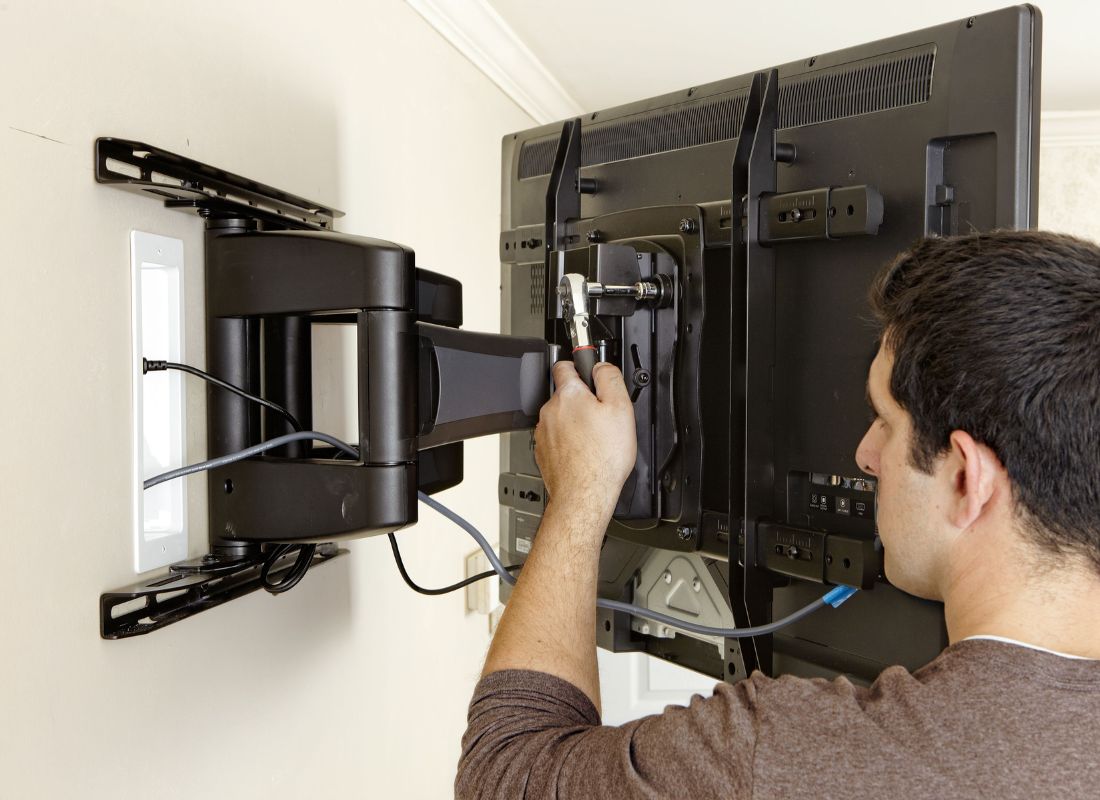
Most times, TV height depends on where you sit. When the bed replaces the couch, things change. Lying down means your eyes point upward more. That tilt shifts how high the screen should go. Aiming the display slightly downward helps, so mounting it nearer the ceiling makes sense here. Using an adjustable arm lets you angle the picture just right. Comfort matters most when relaxing in bed.
Most people move through kitchens either walking by or perched on tall chairs. Usually, eyes land where the TV sits when someone stands still there. That spot tends to sit anywhere from six feet down to just over five and a half feet off the ground. A flexible bracket makes it easier to tilt the display depending on where someone happens to be working or sitting. Shifting views throughout the room work better when the screen adjusts without trouble.
5. Handling Challenges with Fireplaces and Consoles
Fireplace setups complicate TV placement more than most realize. High mantels push screens upward, creating awkward viewing angles. When mounting above one, tilt brackets become essential because angling the display downward eases discomfort. Viewers still lean back less comfortably compared to lower placements. Position matters even when options feel limited.
Start by checking the gap between your TV and whatever sits below it. A few inches, such as four to six, work best up top. That little space ties things together without lifting the screen out of comfort zone reach. It keeps the tech feeling like part of the room rather than stuck on as an afterthought. The distance also helps avoid neck strain during long sessions.
6. Visual Aids Before Drilling
Start by trying how it looks before deciding where to mount the screen. A cutout made from cardboard sized just like your TV can stick to the wall with tape. Spend some time living with that outline during regular activities. From your favorite chair, notice whether your eyes rest on it easily or strain upward. Adjust based on what feels right after watching movies or scrolling through shows.
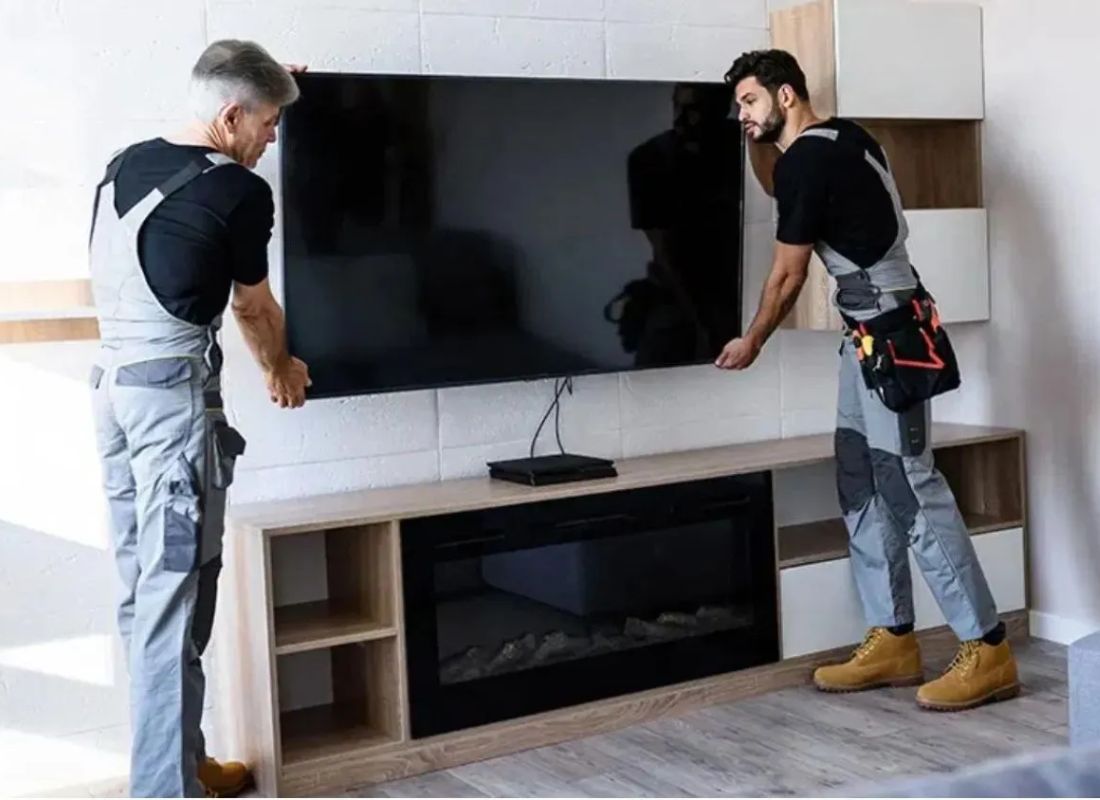
Someone else might lift the TV against the wall while you check the position, but it strains your back and adds danger. Cardboard avoids strain, so trace the corners and middle spot using a pencil. When each viewing chair shows good screen level, move forward without doubt. The setup ends up pleasing to eyes and ease alike.
7. Conclusion
Most people overlook how much comfort depends on where the TV sits. When you sit down, your eyes should meet the center of the screen without tilting. Room size matters just as much as viewing distance. Sharpness improves when glare stays off the display. Position counts more than most realize because if you tilt it wrong, neck strain follows. The right spot turns watching into something effortless.
Start by thinking where your eyes land first when walking in. Reach out to Stone City now to set up an Ergonomic Media Check for how your screen fits at home. Because comfort changes with height, our team measures exact angles so everyone sees clearly from any spot. Instead of guessing wall spots, we analyze sightlines and adjust mounts down to tiny shifts that matter. We also provide Precision Bracket Calibration to ensure your gear is ready. Get in touch today because skilled helpers are ready to guide you to the right TV level.